


The idea of integrating VR in schools has been around for a while, and now is the perfect time to make it a reality
The current state of the VR and AR industry is fascinating, especially in terms of virtual reality lessons. We’ve moved from relatively basic, yet expensive school-oriented headsets with large content libraries that are difficult to use in real lessons, to advanced mixed-reality headsets offering much more at a significantly lower price—all within just a few years.
Case studies and research show that VR and AR in education deliver positive results, but mainly when implemented correctly. In fact, many VR lessons created for education aren’t suitable for real-life lessons due to poor design, unintuitive UI/UX, and the lack of multiplayer or co-location features—essential elements for making virtual reality lessons effective and memorable.
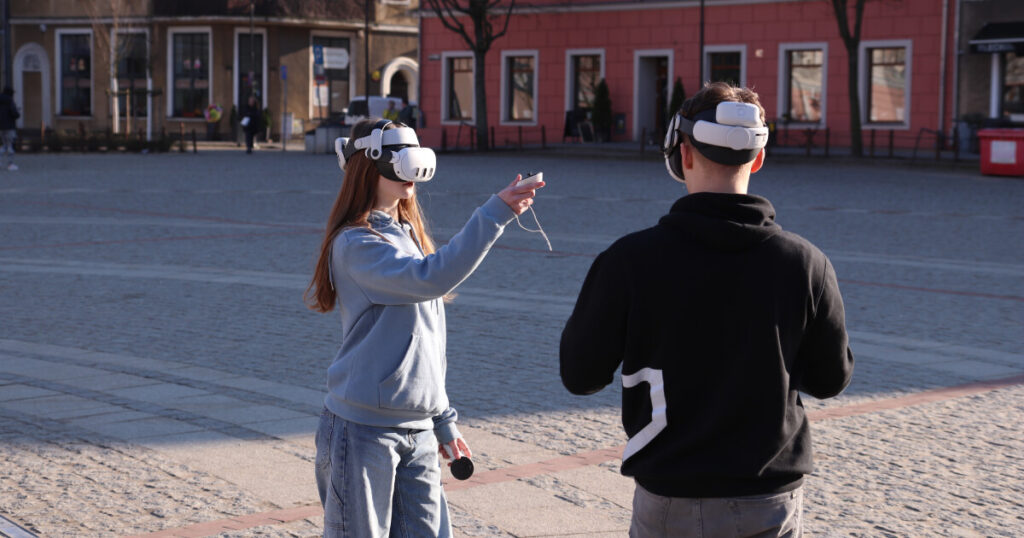
I have some experience using AR and VR in schools for both primary and high schools. To my surprise, many schools are already using VR headsets, and whenever I come across one, I always ask which headsets they use. In my experience, none of the dozens of schools I’ve asked uses the latest Quest 3 or Pico 4 headsets. A few use the older Quest 2, but the majority rely on the “ClassVR” headset.
ClassVR is a company that sells headsets with technology from 2017. Based on my experience with their headsets, they are quite old, bulky, and limited, primarily displaying 360° images or videos. These headsets are expensive by today’s standards—while you can get a much more advanced, feature-packed Meta Quest 3 for just €350, the ClassVR headsets (which are sold in packs of several, but I rounder the cost for one) cost around €2000 each. This represents a huge price difference.

What I will say, though, is that a major issue for VR in schools today is the lack of unified software—specifically, the ability to control a fleet of headsets from a single device. Currently, you have to launch an app on each headset, which isn’t as troublesome with a mixed reality app where multiple users can connect, but it still creates time-consuming problems by nature.
ClassVR addresses this issue with software that allows you to control all devices from a single laptop – launching apps on every headset simultaneously, updating them all at once, and more. However, the lack of this feature on other headsets will change with Meta’s newest project, Meta For Education. More on that later.
While ClassVR offers unified education software, it is designed for outdated hardware by today’s education VR standards. That is why I won’t consider them when recommending VR hardware in this article. With that in mind, let’s move on to the main part of this article.
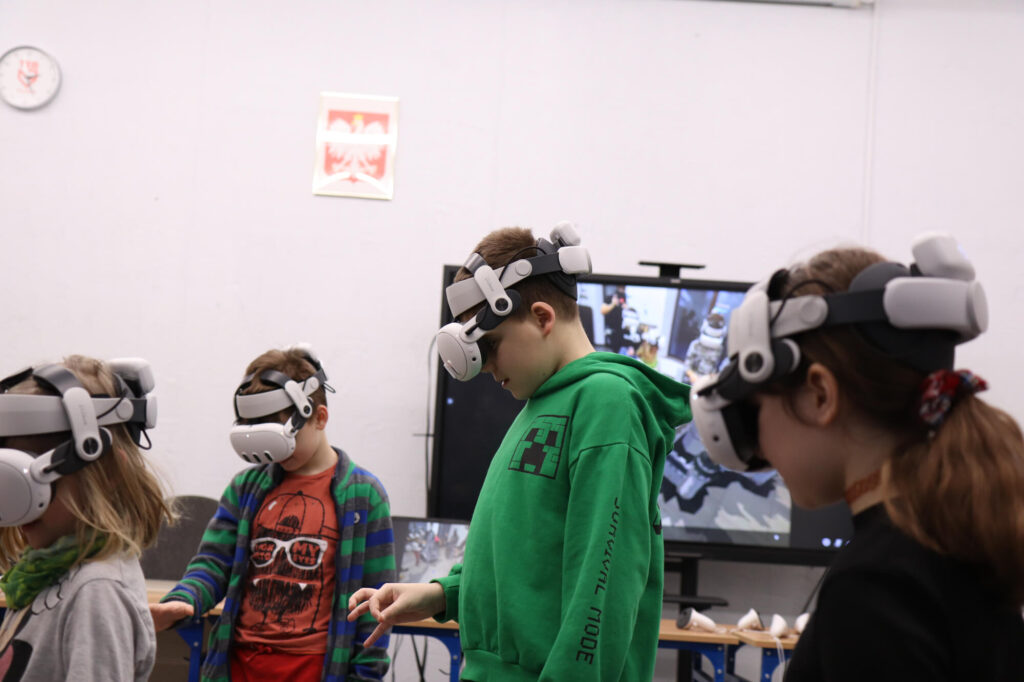
VR in Schools: How to Implement Modern Virtual Reality Lessons in the Classroom
Today, VR and AR headsets offer much more than they did just a few years ago, and they advance rapidly. With the addition of mixed reality capabilities, modern headsets allow users to see the real world through cameras and overlay virtual objects onto it. There are several devices to choose from, and I will list them below:
| Headset | Who is it for? |
| Meta Quest 3S | The most affordable and latest headset from Meta. It has powerful processing and supports Mixed Reality, but uses an older optical system. Best for schools looking to deploy the most headsets. |
| Meta Quest 3 | Currently, the best headset from Meta. Features powerful processing, support for Mixed Reality, and a new, high-quality optical system. Ideal for schools focusing on quality. |
| Pico 4 Ultra Enterprise | The latest headset from Pico. Designed with a focus on enterprise use. Pico offers education-focused apps, and the Enterprise version allows for managing multiple headsets simultaneously. |
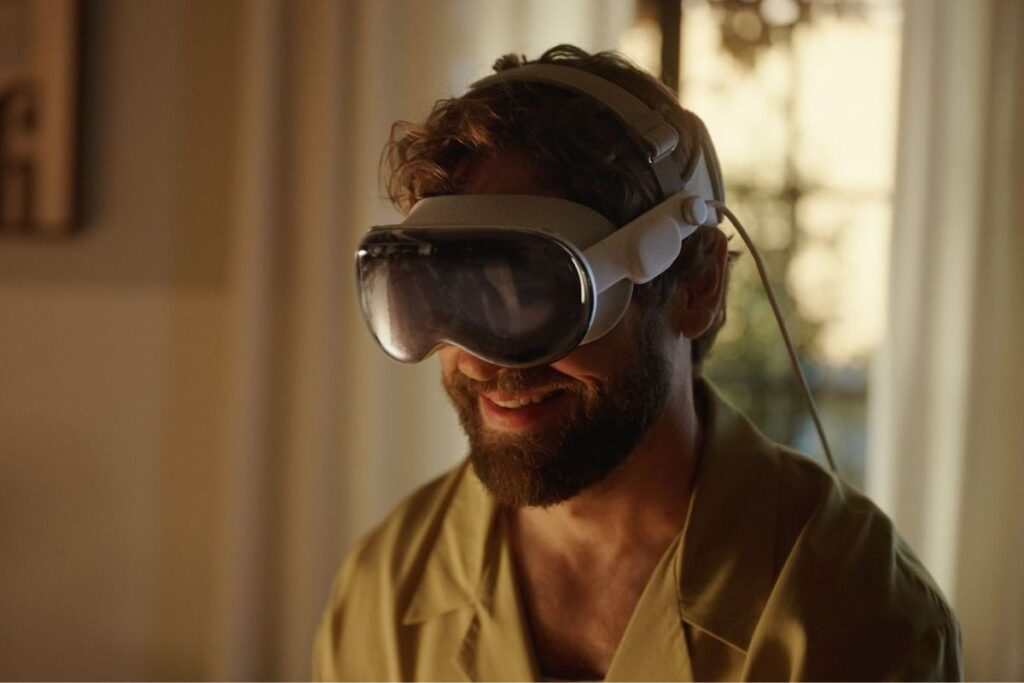
| Apple Vision Pro | The most expensive, and complicated to consider option. While this headset offers unique solutions, it is hard to justify for use with an entire class. It may be best suited for apps that require one person at a time, such as Keynote (for soft skills training). |
These are the headsets for virtual reality lessons I recommend, though the Apple Vision Pro is a tough choice. Don’t get me wrong—it’s an incredibly advanced headset, but its high price makes it hard to justify purchasing even one unit for VR lessons, let alone enough for an entire class.
The Vision Pro is an expensive device that you probably wouldn’t want to hand over to kids at school. Given its specific use cases for education VR and the delicate materials it’s made from (like glass), I would recommend considering it only if you work at a college or high school. I’ll revisit the Vision Pro later in the article, but for now, I want to focus on the headsets I recommend for virtual reality lessons most.
Meta Quest 3 and Quest 3S are the most popular options from the list. Their difference is mainly in the optical system and the price. Quest 3S costs $200 less than Quest 3, but it has lower resolution panels and last-gen Fresnel lenses, instead of Quest 3’s Pancake lenses. Because of that, the lenses in Quest 3S have a much smaller sweet spot (a spot where everything you see is clear), are more blurry, and also contribute to the headset’s bulkier design.
This raises the question: do you prioritize quality over quantity for your VR lessons, or vice versa? There’s not much else to consider—both headsets share the same ecosystem and work with the same apps.
The Pico 4 Ultra Enterprise, on the other hand, is not specifically designed for education VR. Its primary focus is on enterprise users, offering solutions for collaboration, training, and other business use cases. It’s important to note that the Pico 4 Ultra Enterprise shares many features with the Quest 3 and can be considered a competitor in some ways. However, keep in mind that the Pico 4 Ultra Enterprise is not a consumer product—you can’t access apps from the Pico Store. Instead, it uses its own Pico Business Store, which offers apps mainly for business and education VR, along with the Pico Business Suite for managing multiple headsets simultaneously.
Although this is an enterprise device, some apps are well-suited for VR in schools. My personal favorite is Bodyswaps, a soft skills training app that I’ll discuss more later in the article. There are also several other apps available in the Pico Business Store, such as Human Anatomy VR, CadaVR Anatomy, Futuclass Education, and more.
FigminXR – One of the Best and Most Versatile Education VR Apps
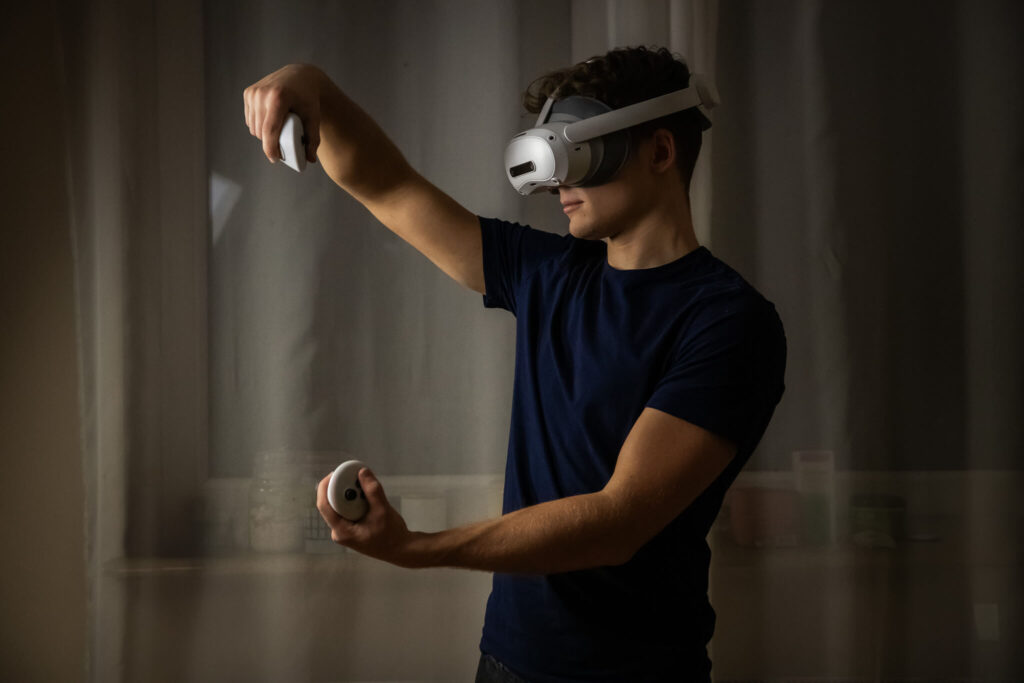
You’ll see FigminXR mentioned several times in this article—and for good reason. FigminXR is an excellent sandbox app available on the Meta Quest 3, Quest 3S, and Apple Vision Pro. It features co-location, allowing up to 10 people to connect to the server and see each other in Mixed Reality, with virtual objects placed in the same locations for everyone in the classroom during VR lessons. This means I can give a virtual object to someone in the class, seamlessly augmenting the reality they perceive.
Before I dive into the section on implementing VR lessons in this app, I need to address a few drawbacks of FigminXR. The most important point is that FigminXR is a sandbox app, not one specifically designed for education. This means there are few, if any, ready-to-launch lessons for students. You need to manually prepare and show virtual objects, animations, or scenes you’ve organized earlier, or those created by other users (and trust me, finding specific lesson topics can be difficult). In other words, while FigminXR can be an excellent education VR app, it requires the teacher to prepare it in advance.
FigminXR also suffers from confusing UI choices. While the app is fantastic for physics simulations, offering many specific settings you can adjust for virtual objects or scenes (such as gravity), it can be overwhelming if you don’t need such detailed options for your lesson. In this case, you’re left with a complex UI that takes time to get used to. This highlights why training on these apps is both important and challenging—many education VR apps have different interfaces and operate in unique ways, and FigminXR is no exception.
For example, when I was preparing a history teacher for a lesson he was going to create in FigminXR, I had to teach him how to navigate the app’s interface. First, we searched for the virtual objects he needed for his lesson. FigminXR is connected to Sketchfab, so you can access a wide range of free-to-use 3D models. His topic was “Types of Warriors Throughout the Centuries,” which was relatively easy to prepare with FigminXR, as we were able to find most of the 3D models he needed, mainly featuring warriors and their equipment.
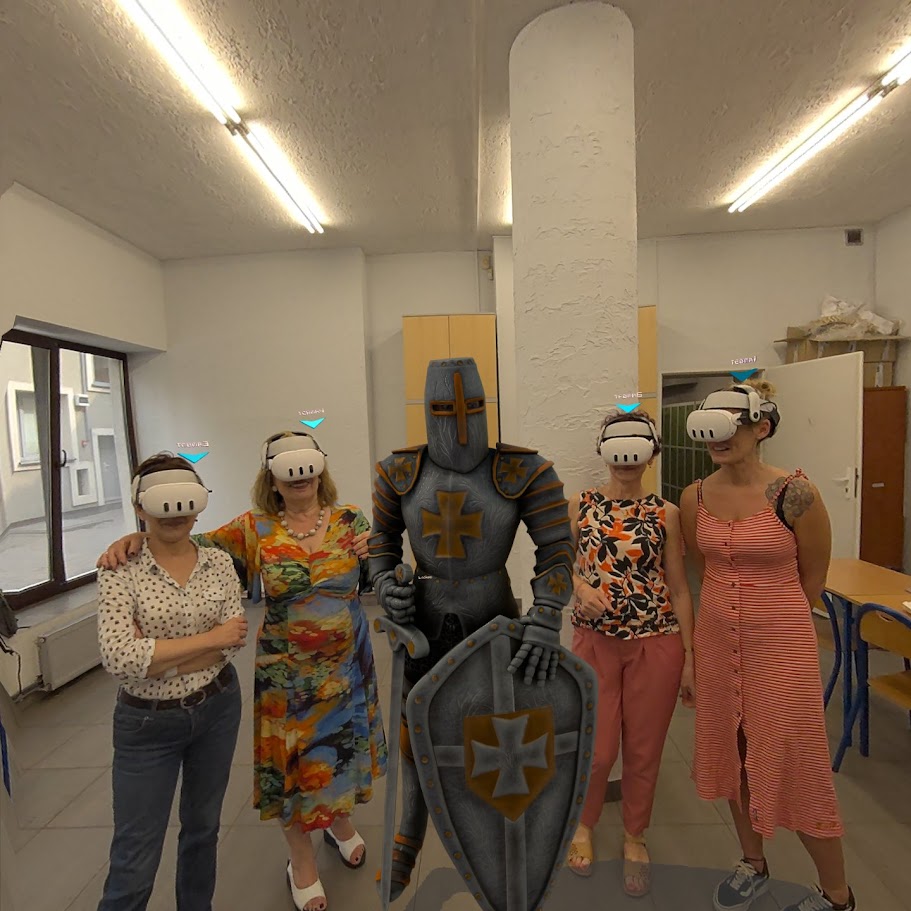
Next, he needed to learn how to use the interface and conduct the lesson. This included spawning virtual objects, locking some of them so students couldn’t move them, deleting unnecessary ones, and navigating the interface. Teaching these tasks was challenging, even though he was already familiar with Mixed Reality headsets—it wasn’t a matter of learning how to click but mastering the app’s specific controls. Ultimately, I had to assist during the lesson, helping lock objects in place or clear the scene when needed.
The lesson was a success, with noticeably better student engagement and retention, even though we had only seven headsets (FigminXR supports up to 10 users). This meant we had to create groups and switch headsets between users every 15–20 minutes. For those not wearing a headset, we used the teacher’s headset to cast the screen to the classroom’s smart TV (or alternatively, a projector), allowing everyone to see what their classmates were doing.
The positive results from the lesson made all the time spent on teacher training and manual preparation worthwhile. However, it also highlights the need for software that streamlines the preparation process—such as improved UI, tools for easier lesson organization, and software for managing multiple headsets. With such advancements, VR and AR could be implemented in many more schools, thanks to their clear advantages over traditional lessons in many cases and the potential for easier integration.
Tips for Using FigminXR in the Classroom
One crucial point to highlight: every co-location education VR app currently relies on a strong Wi-Fi connection. This is especially important when planning virtual reality lessons with six or more headsets. Based on my experience, a 50 Mbps Wi-Fi connection is sufficient for 5–6 users, but I strongly recommend at least 100 Mbps for 10 users. Trust me, you’ll want to avoid the frustration of users being disconnected from the server. Even worse, if you’re not the host and get disconnected, you’ll lose the ability to change scenes—at least temporarily (though it has occasionally worked for me somehow).
I recommend using a router with Wi-Fi 6 for optimal performance. To check your Wi-Fi speed in the classroom, you can use a speed test website.
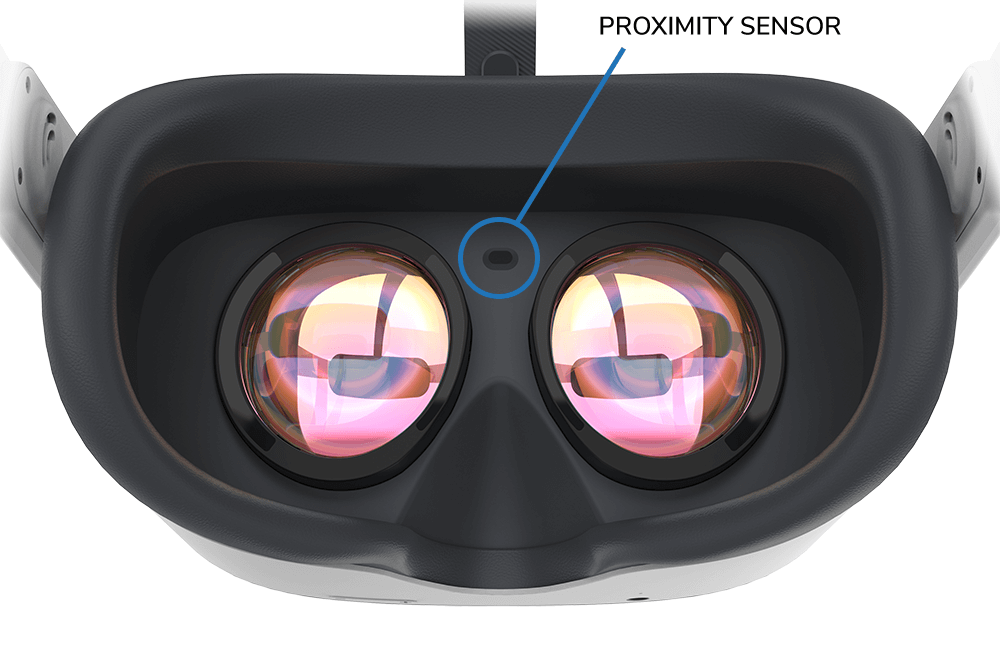
To reduce the chances of users being disconnected from the server, consider covering the proximity sensor on the headset with tape. This prevents the headset from going into sleep mode, which often causes disconnections.
Lastly, I recommend enabling “kiosk mode” for students in FigminXR through the app settings. This prevents them from navigating the UI, which could lead to accidental deletions or server disruptions. Additionally, disable the rays to stop students from moving or taking 3D models from a distance. Keep these settings off for the teacher to maintain full control.
Physics VR Lessons
For physics VR lessons, I highly recommend using FigminXR. As mentioned earlier, this app offers a wide range of settings specifically designed to simulate physics laws. Combined with 3D models, it becomes an excellent tool for teaching complex topics like astrophysics. For example, I can demonstrate how gravity works on Earth by dropping a virtual basketball, and moments later, summon the moon orbiting the Earth. This allows me to explain concepts like gravitational fields and how planets and stars generate their own gravity in space.
I conducted several astrophysics VR lessons using FigminXR, and students particularly enjoyed exploring the concept of gravity. I also demonstrated how black holes form, how they interact with space and time, why stars collapse under their own gravity, and the outcomes of such events, along with many other fascinating topics.
If you plan to conduct such VR lessons for primary school students, I recommend targeting older grades, such as 6th grade and above. Teaching younger students proved challenging for me, as they were more focused on exploring and interacting with virtual objects than on listening to the